

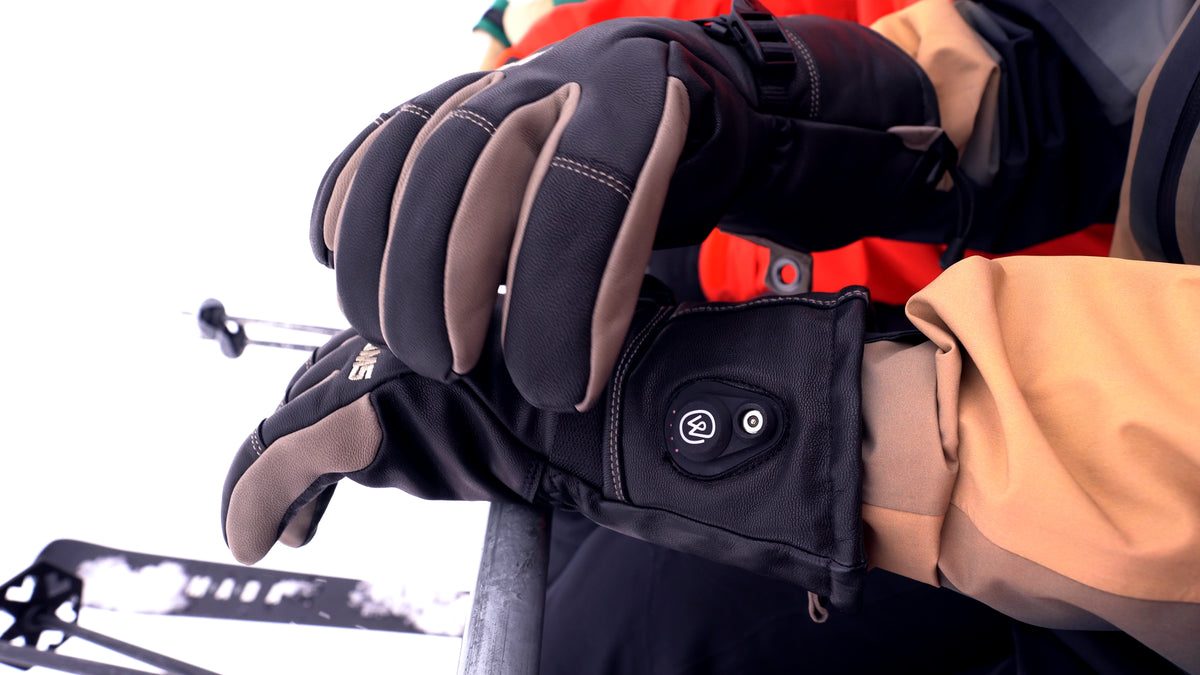

SnapConnect™ charging
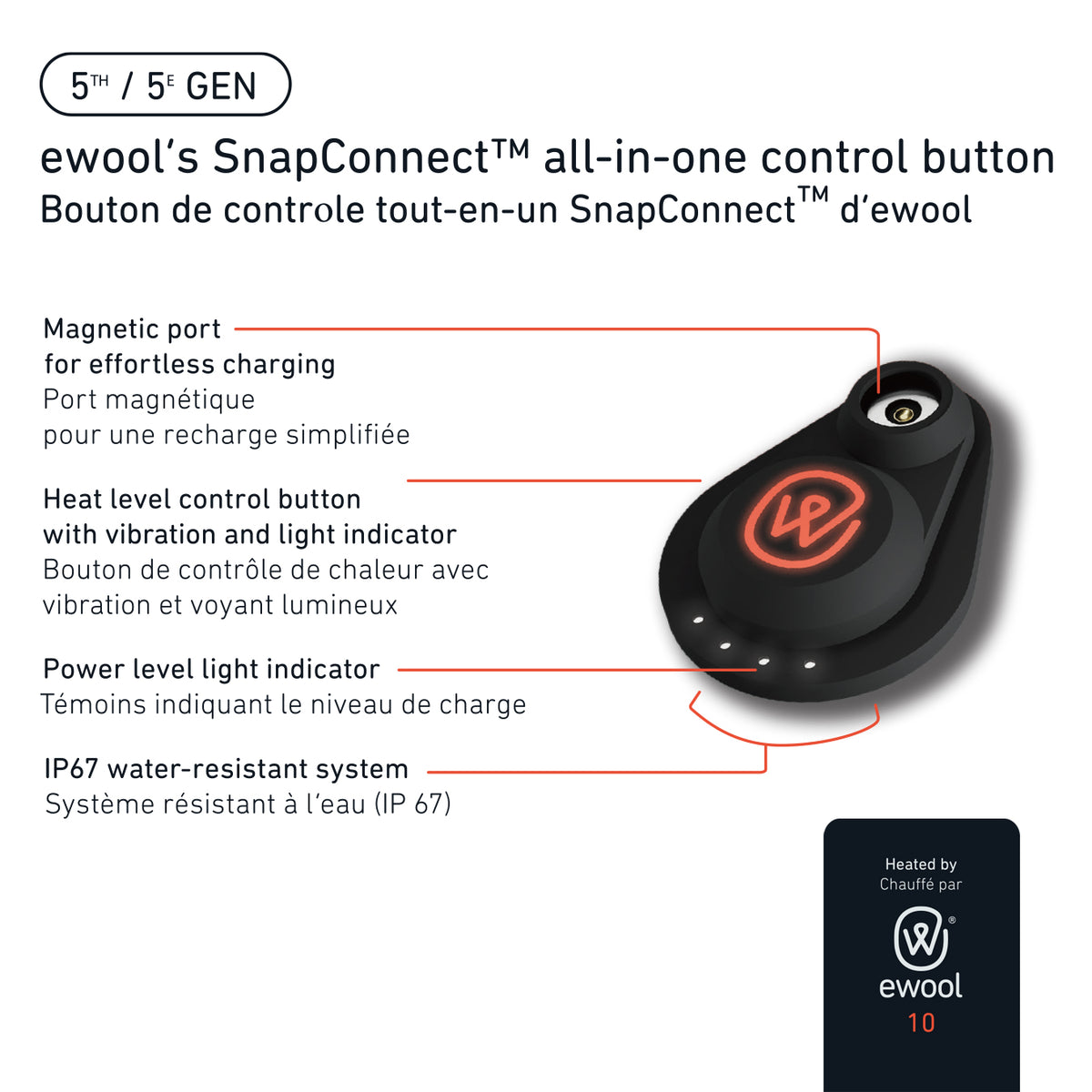
Charge without removing the battery. Magnetic port, fast and waterproof.

Haptic feedback
Feel every level change. A subtle vibration tells you exactly where you are.

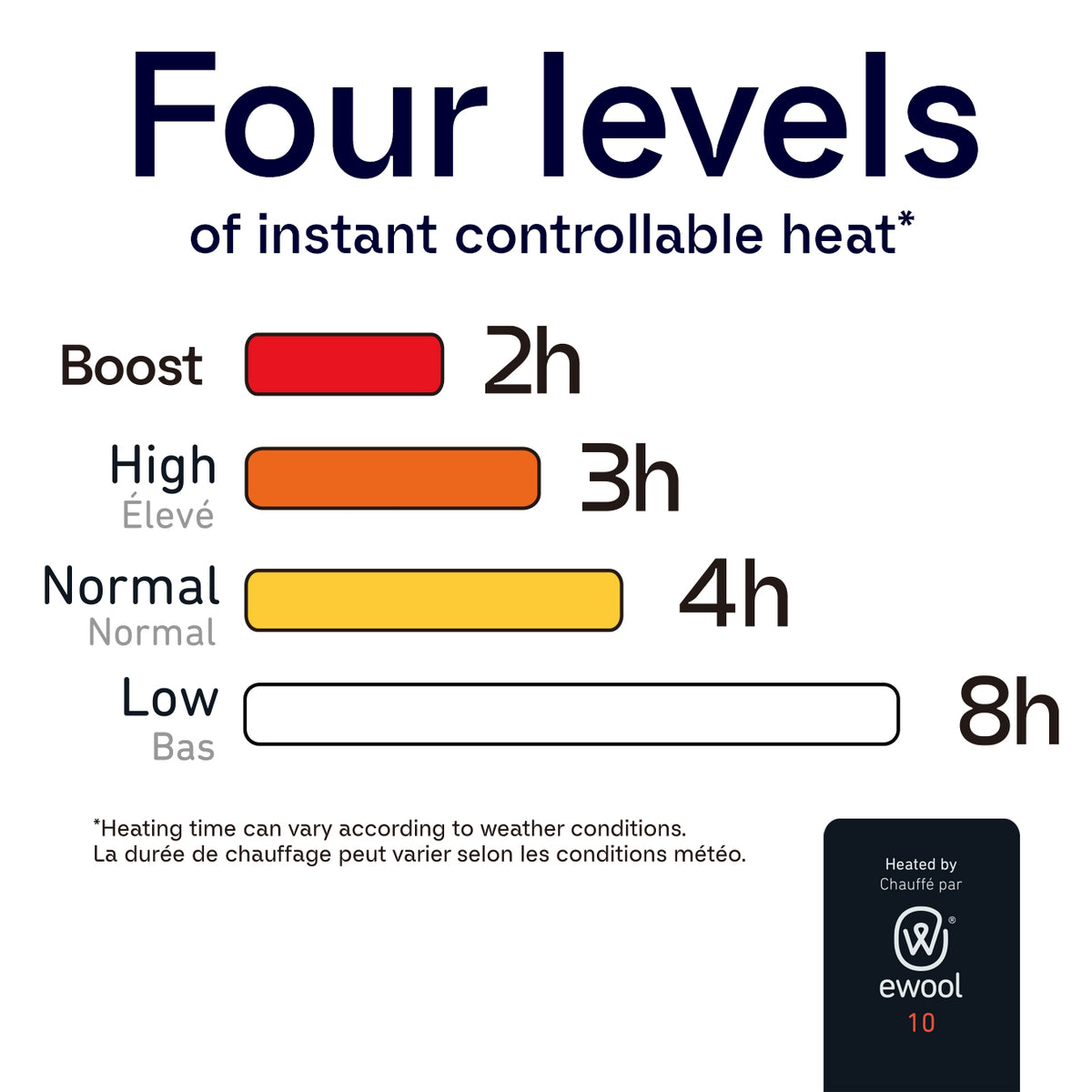
Four levels of heat
Dial it in from base warmth to peak heat with a single button.

Up to 8 hours
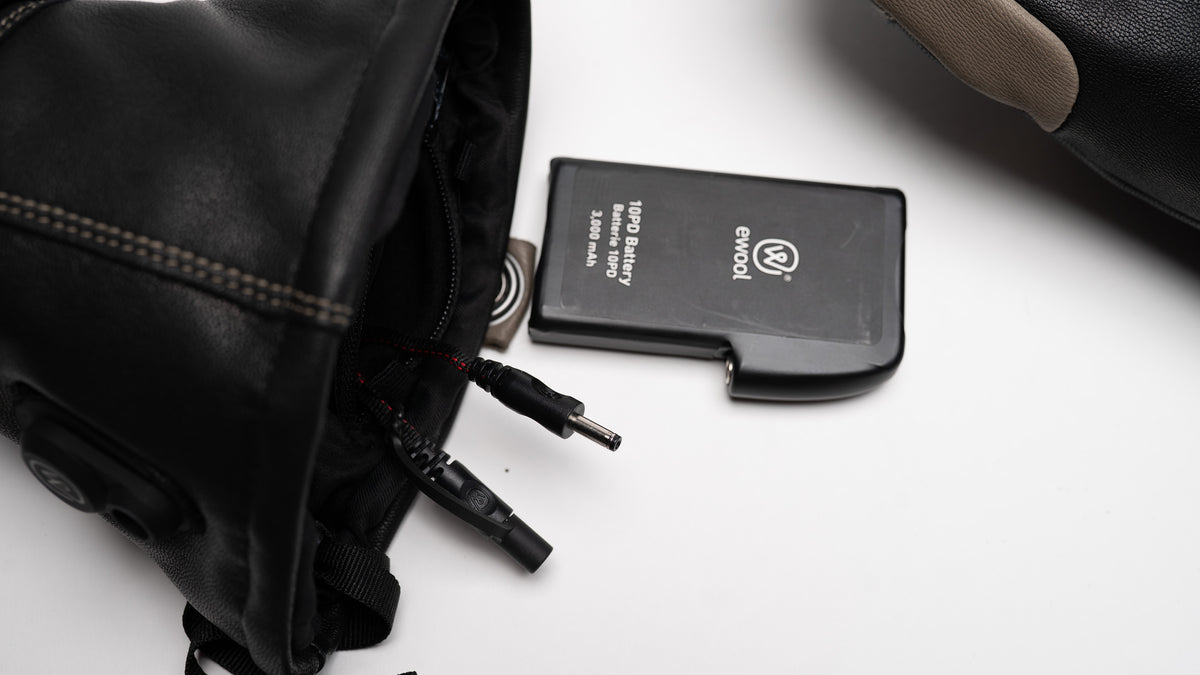
Two airport-compliant batteries deliver a full day of warmth on the mountain.
Inside the Nexus
Built around what matters
A premium heated glove only earns the name when every detail works under pressure. Here's how the Nexus does it.
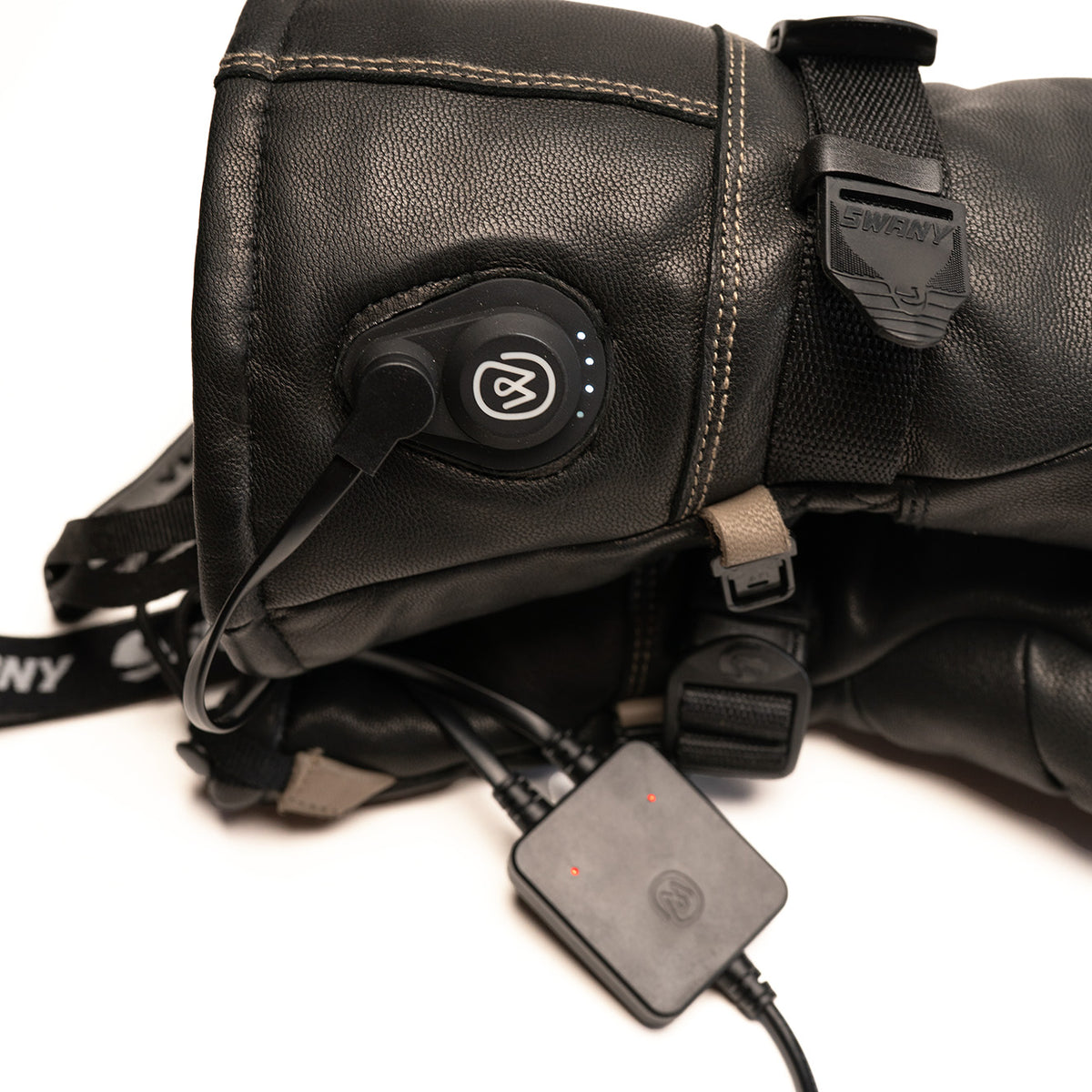
SnapConnect™ — charge without removing the battery
Most heated gloves wear out the same way: that fragile little wire inside the cuff fails after enough battery swaps. The Nexus solves it. Just plug the magnetic charger into the port on the cuff — batteries stay where they are. Less wear, longer life, faster mornings.
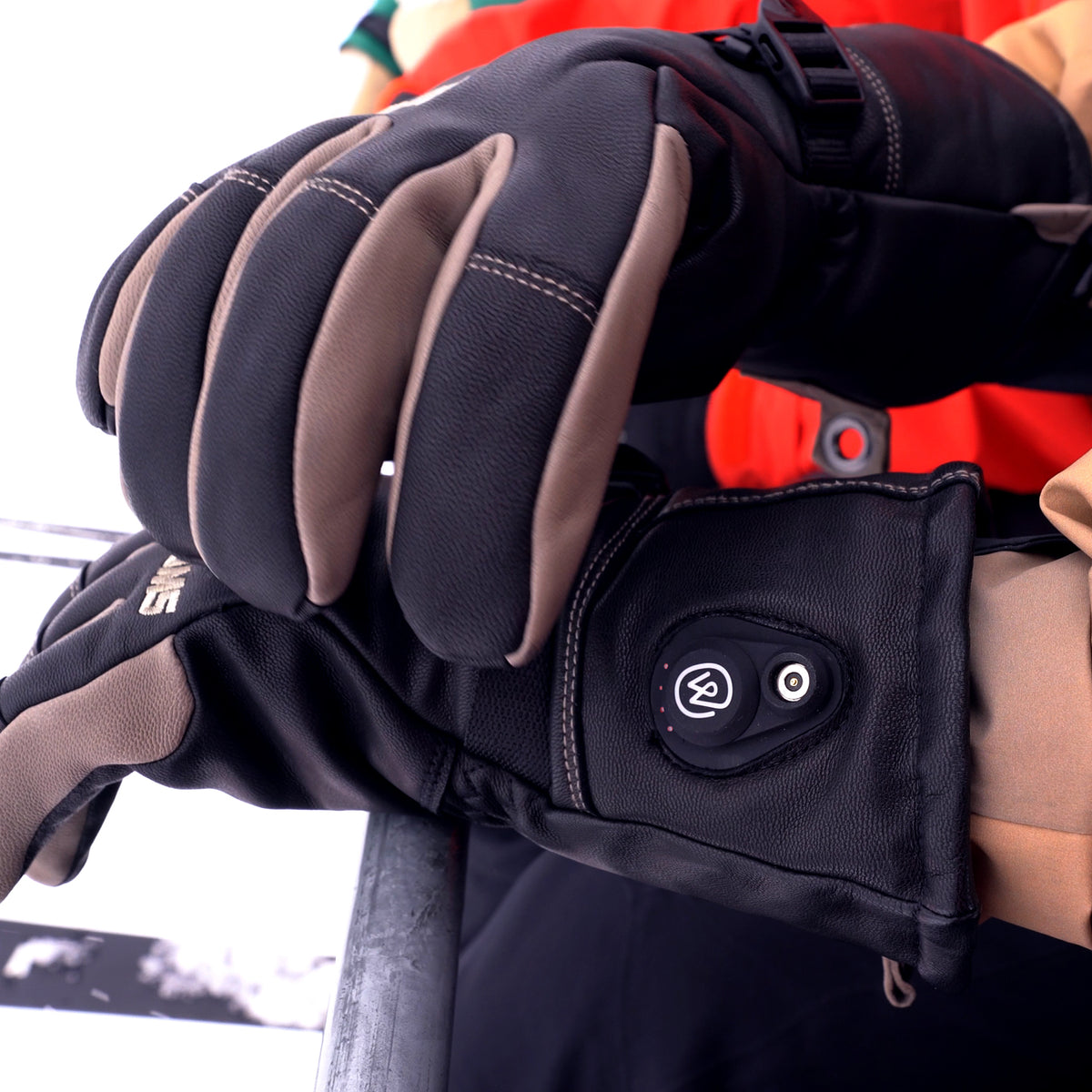
Haptic feedback — feel the change
Bright sunlight on a snowy day makes any LED hard to read. So the Nexus doesn't ask you to look — it tells you. A short vibration confirms each level change, so you can adjust your warmth without breaking stride or pulling out of your pole.
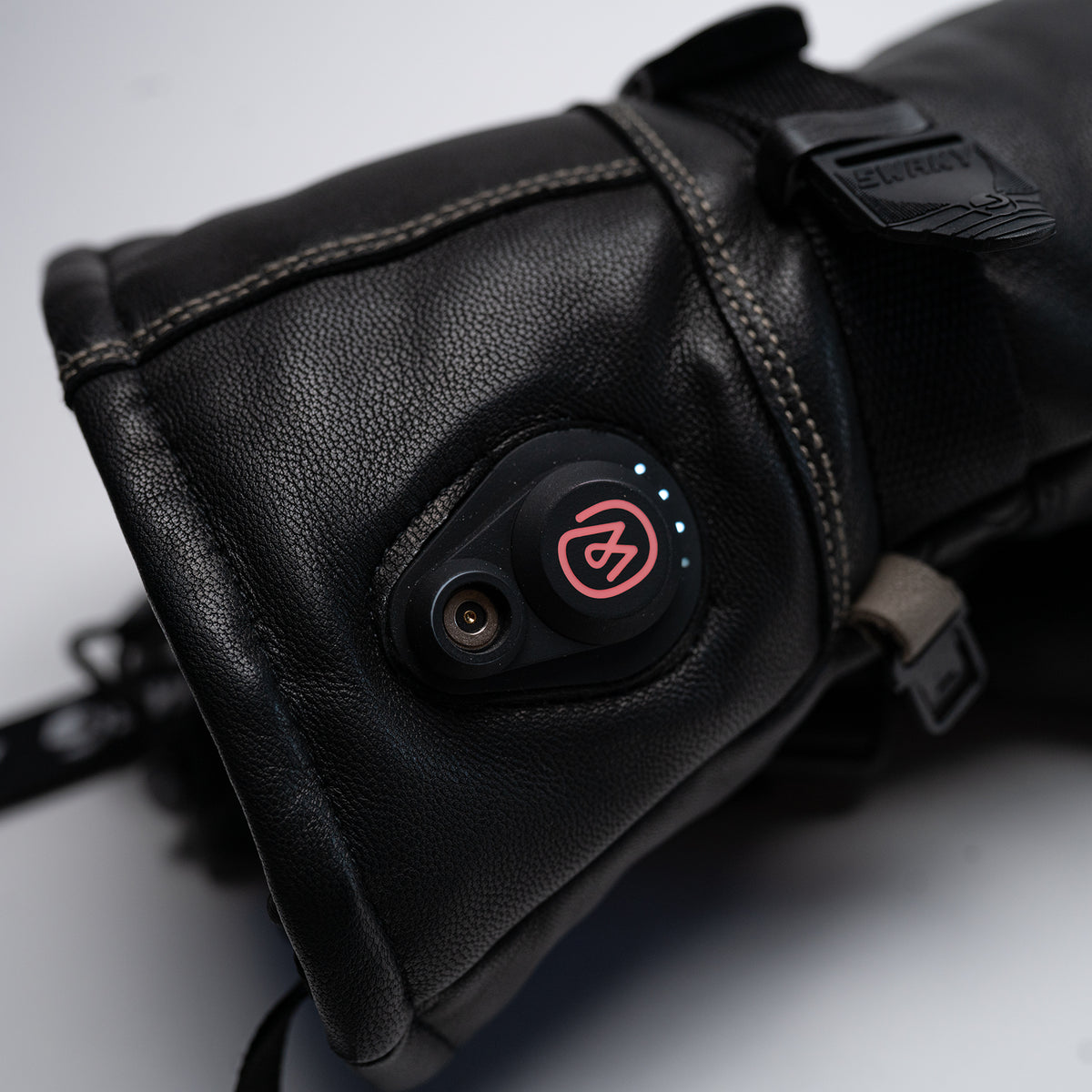
Four levels of heat, one button
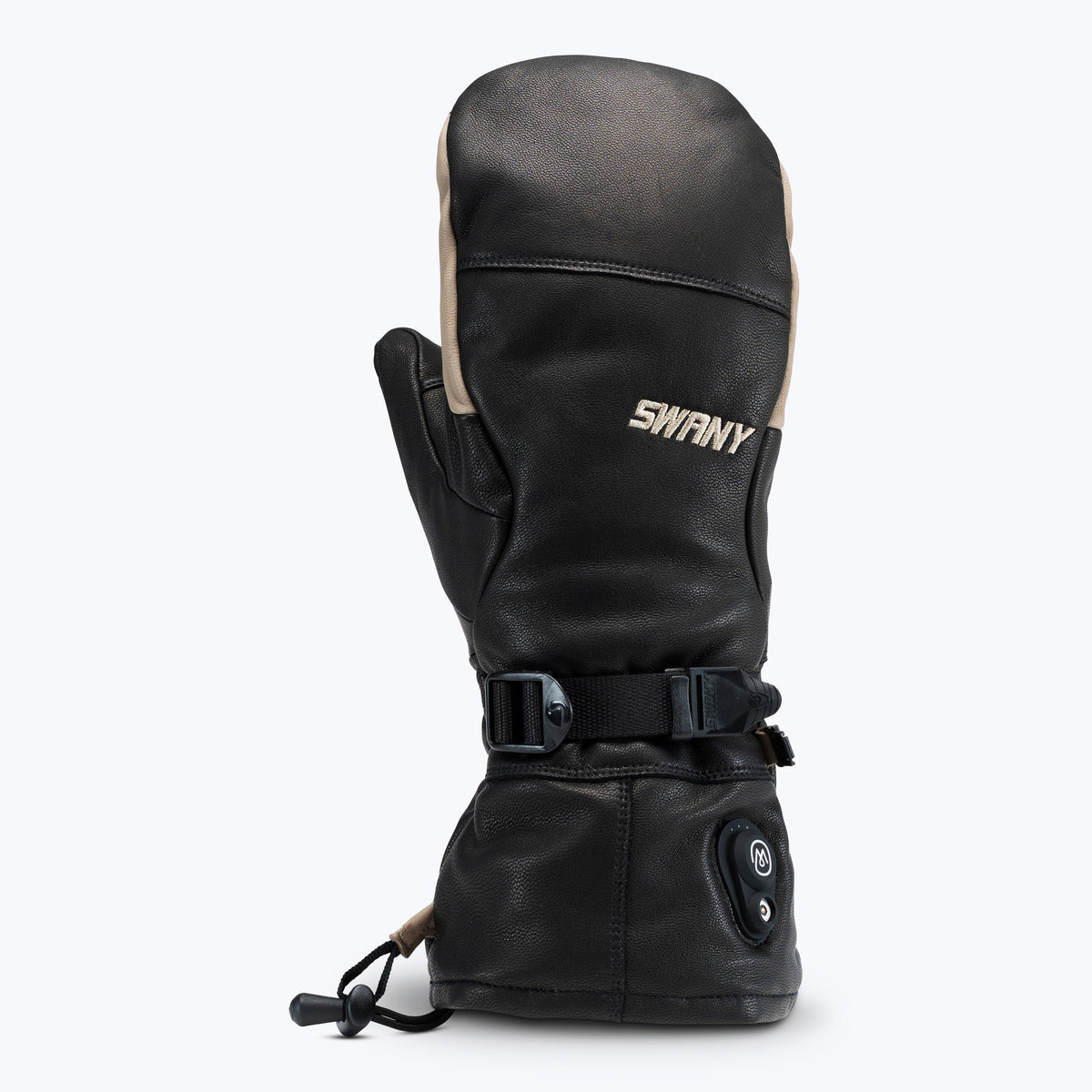
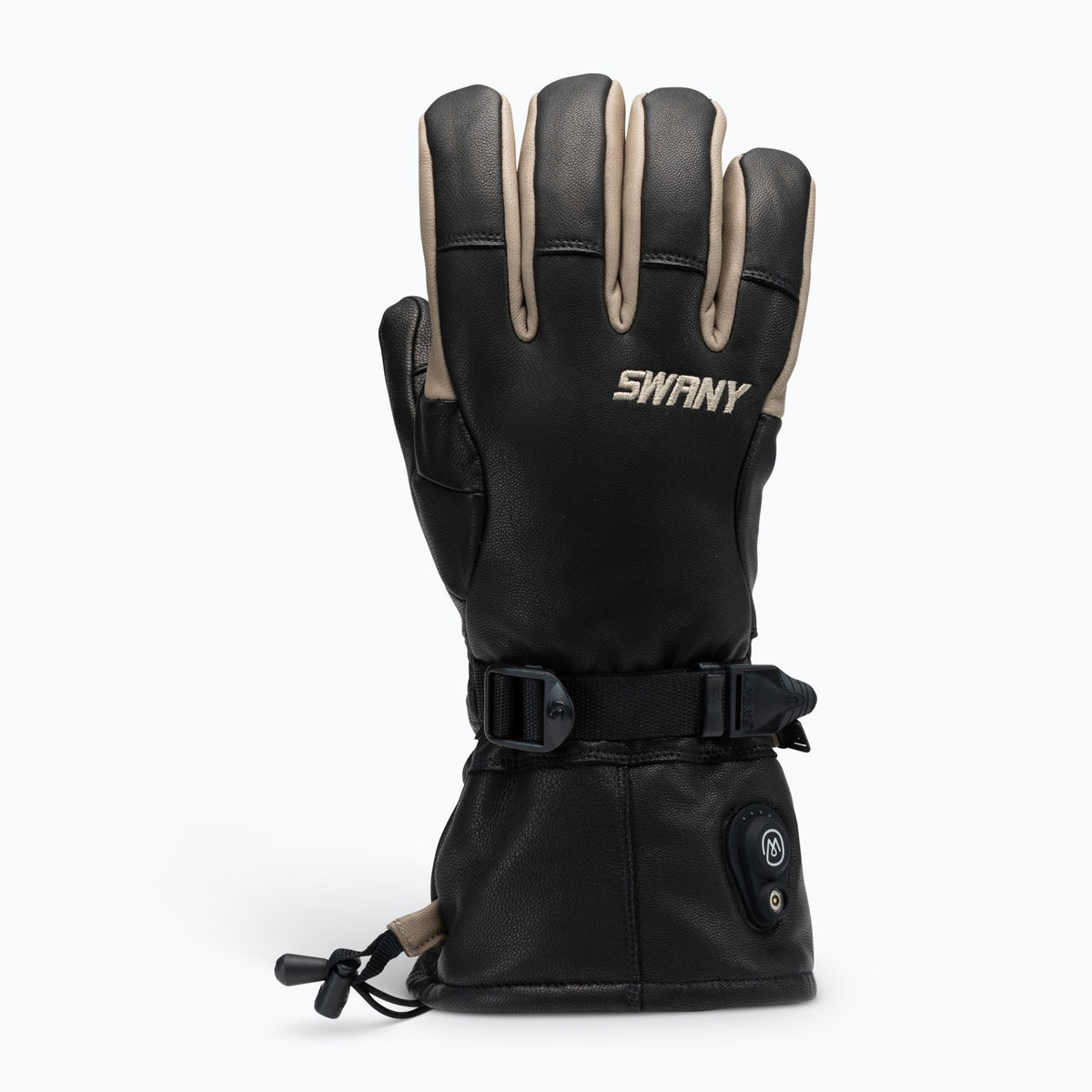
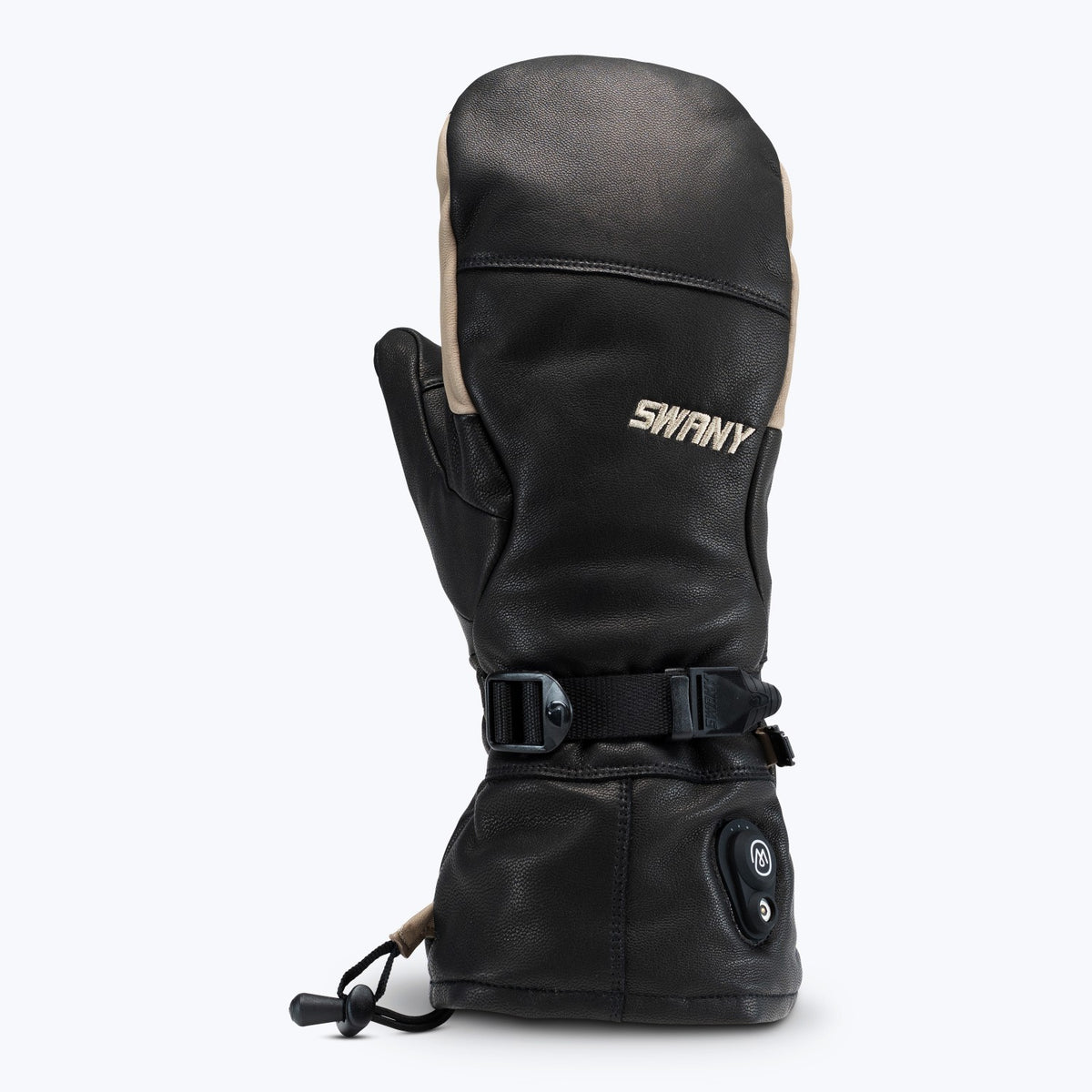
Hold the control button to power on. A short press cycles through four warmth levels — from a baseline glow for cool spring laps to peak heat for the bone-cold days. The icon on the back of the hand changes color to match.
Built on the Swany platform
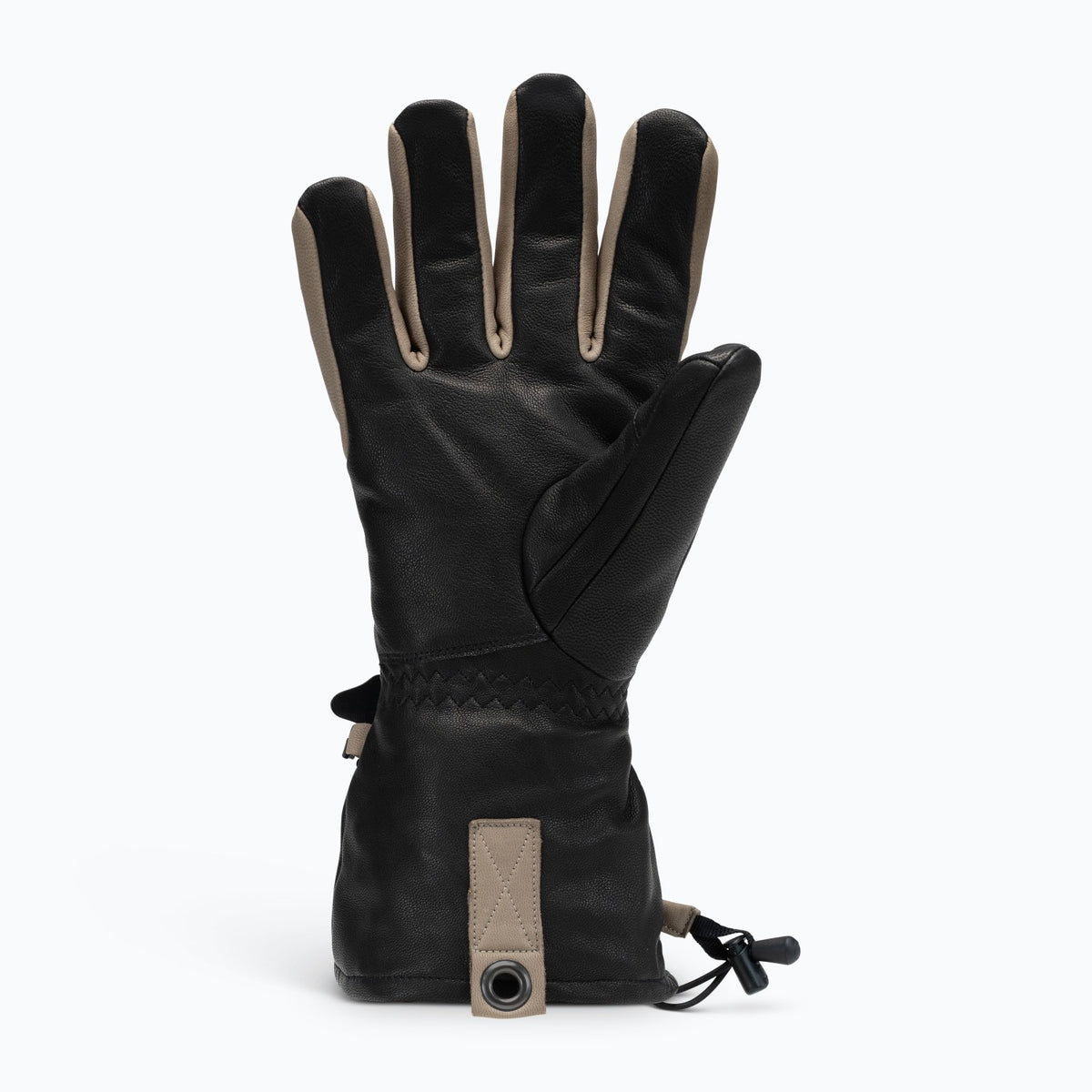
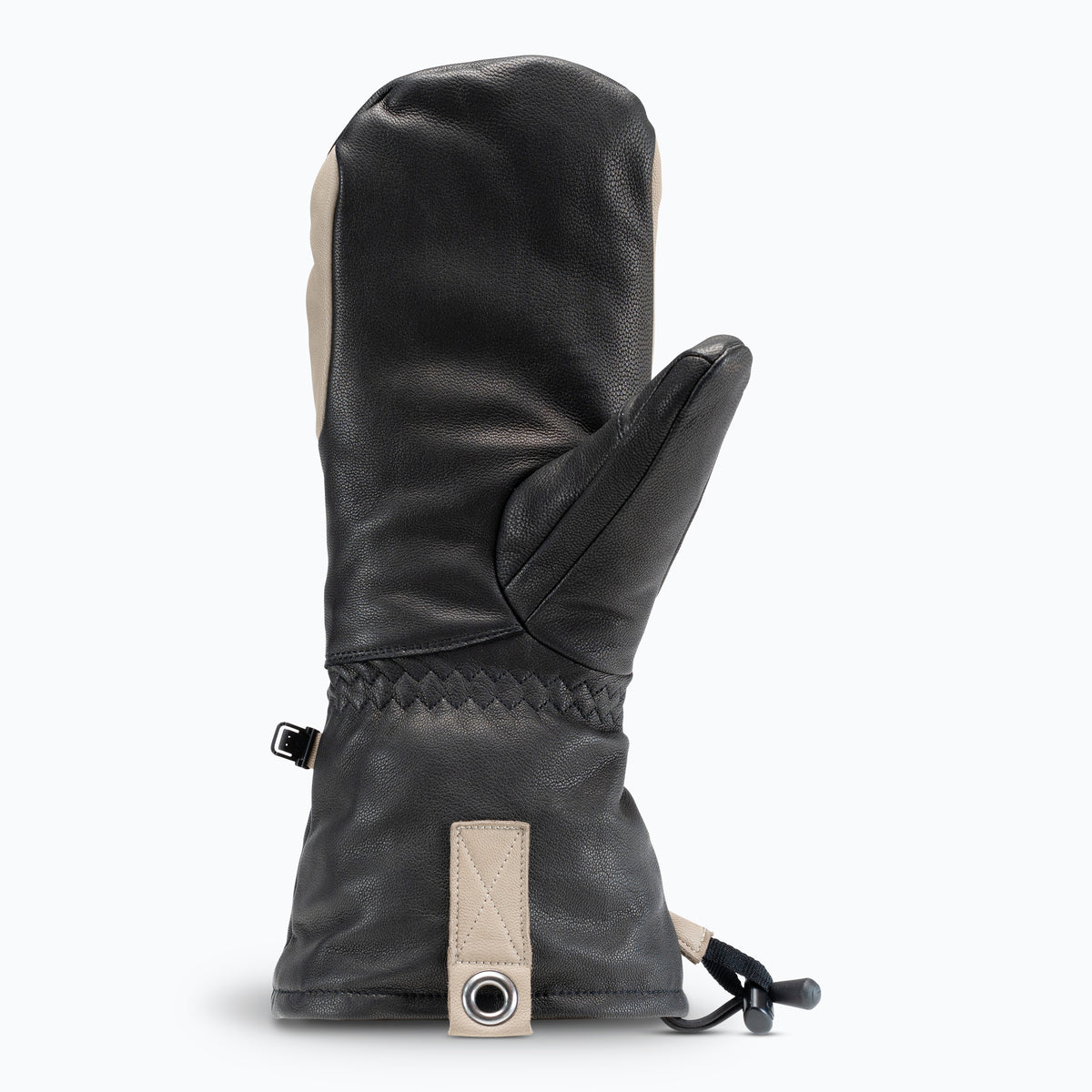
Full-grain leather shell. Articulated fit. Adjustable wrist closure. The Nexus inherits everything we've learned from a century of building gloves, then layers in the electronics that turn it into our warmest piece yet.

Made for the coldest days
From bluebird mornings to whiteout afternoons, the Nexus is rated for the temperatures most people pack up and head inside for. When the chairlift gets quiet, you keep skiing.
Shop Nexus
Sizing note: Nexus uses unisex sizing. Men, that usually means one size up from your usual Swany size. See the size chart

A battery built for the mountain
Ewool's batteries are engineered for sub-zero performance — where most consumer electronics give up. They're TSA-compliant for carry-on, with overload and short-circuit protection for safe charging anywhere.
3,000 mAh capacity per battery · airport-compliant · up to 8 hours of warmth
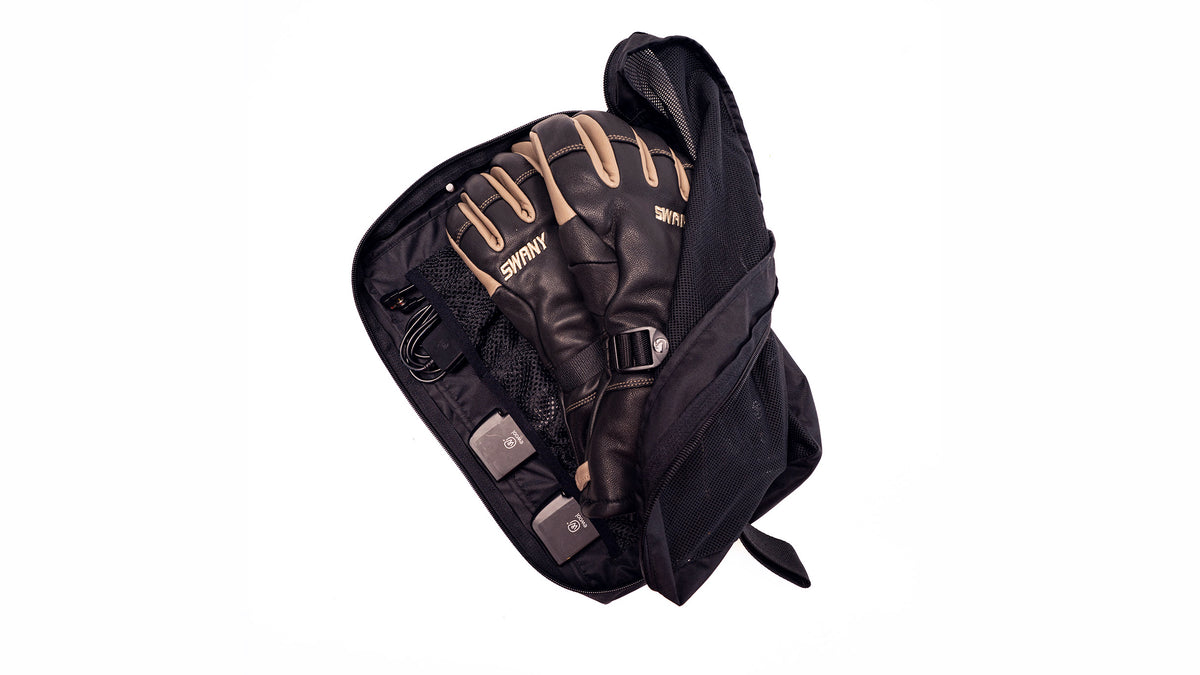
What's in the box
- One pair of Nexus heated gloves (or mitts)
- Two Ewool SnapConnect™ batteries
- One SnapConnect™ magnetic dual charger
- Travel bag for easy storage
- Instruction manual with quick-start and care guide
Three steps to get going.
From the box to the chairlift in under a minute. Here's the short version.

1. Power on
Press and hold the control button on the back of the hand for 2 seconds. The icon lights up to confirm the glove is on.

2. Set your heat
Short-press the button to cycle through the four heat levels. A short vibration confirms each change.

3. Charge anywhere
At the end of the day, snap the magnetic charger onto the cuff port. No need to remove the batteries.
Nexus Help Center
Support & troubleshooting
The most common questions we hear from owners and retail staff. Can't find what you need? Contact Nexus support below.
What size Nexus should I order?
Nexus uses unisex sizing, so please use the Unisex row of our size chart. Measure around your dominant hand across the palm (in inches) and match it to the Unisex sizes.
Men: unisex sizing usually means one size up from your usual Swany men's size, like X-Cell. If you're between sizes, size up.
How do I know which heat level I'm on?
The icon on the back of the glove changes color with each level, and a short vibration confirms each change: white is level 1, yellow level 2, orange level 3 and red is peak heat. A row of four flashing dots marks the moment you change levels. The LED can be hard to see in bright daylight, so the haptic feedback is the most reliable way to track your setting on the mountain.
My glove isn't turning on. What should I check?
- Make sure both batteries are charged. The charger LEDs will be solid green when fully charged.
- Confirm each battery is fully seated in its cuff pocket.
- Press and hold the control button for a full 2 seconds — a quick tap won't power it on.
- Try swapping the battery from the working hand to the non-working hand. If the issue follows the battery, the battery needs charging or replacement. If it stays with the glove, please contact Nexus support.
Do I have to take the batteries out to charge them?
No — that's the whole point of the SnapConnect™ system. Plug the magnetic charger directly into the port on the cuff and the batteries charge in place. This is the recommended method and significantly extends the life of your gloves.
Can I take the batteries on a plane?
Yes. The Ewool batteries are TSA-compliant for carry-on luggage. We recommend always carrying them in your carry-on rather than checked baggage, per current airline guidance on lithium batteries.
How long does a charge last?
Runtime depends on heat level and outside temperature. On the lowest setting a full charge gives you up to 8 hours — comfortably a full day on the mountain. Running at peak heat continuously will draw the batteries down considerably faster, and deep cold shortens runtime on any setting. Each pair ships with two batteries so you can swap mid-day if you ride hot.
How do I care for the leather?
Wipe the leather with a damp cloth and treat occasionally with a leather conditioner. Do not submerge the gloves — the electronics are sealed but should not be soaked. Air dry away from direct heat sources. Never machine wash or tumble dry.
What's the warranty on Nexus?
The Nexus is covered by Swany's 1-year warranty against manufacturing defects, with separate coverage on the electronic components from Ewool. Contact Nexus support below with your proof of purchase to start a claim.
Talk to a Nexus specialist.
The Nexus is a different kind of product, so we built a different kind of support for it. Reach out and you'll get someone who knows the glove and the electronics — not a general queue.